01 · Record
One tap
to record.
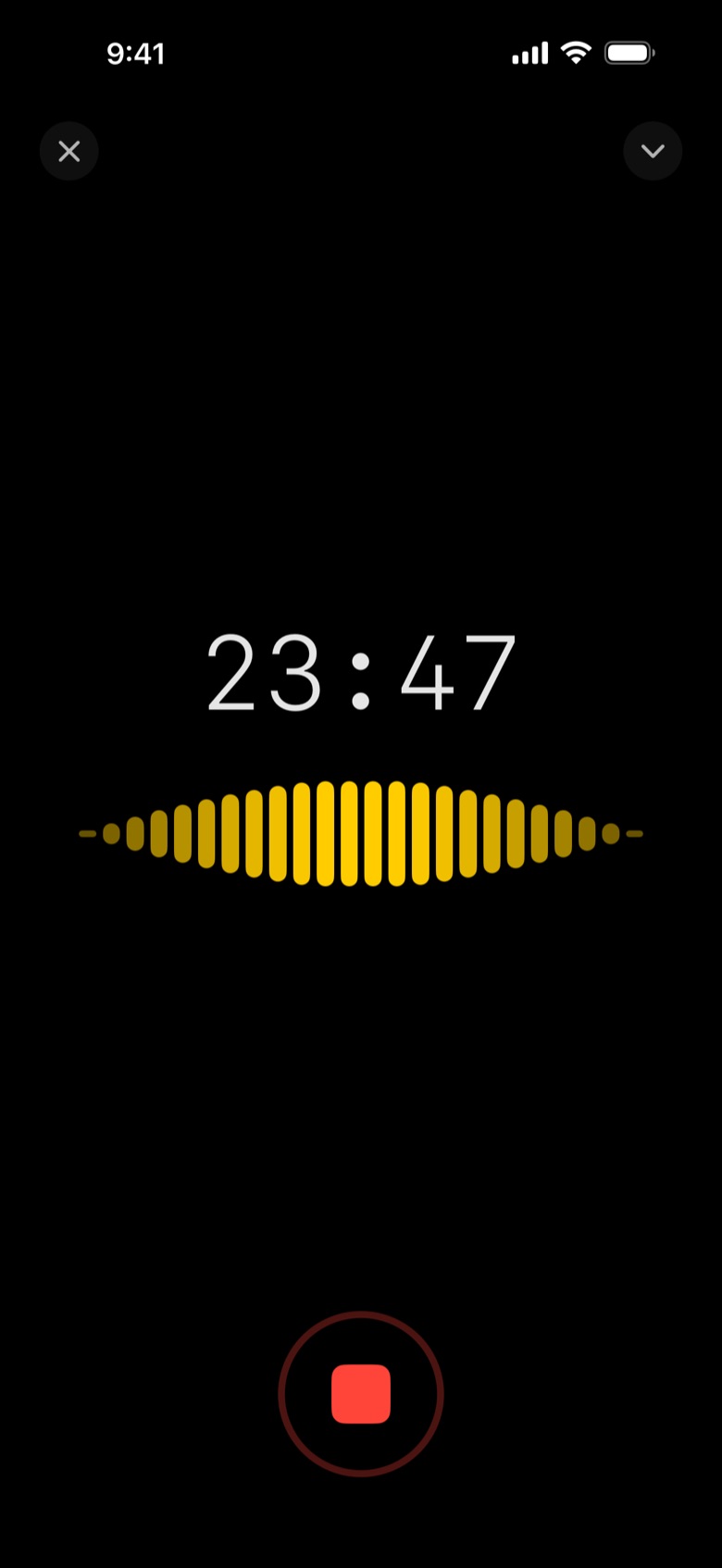
Start before the meeting does. Upshot keeps going with the screen locked, so you can put your phone down and pay attention.
Upshot records your meeting, knows who said what, and hands you the summary, decisions and actions minutes after it ends. All on your device.
Start before the meeting does. Upshot keeps going with the screen locked, so you can put your phone down and pay attention.
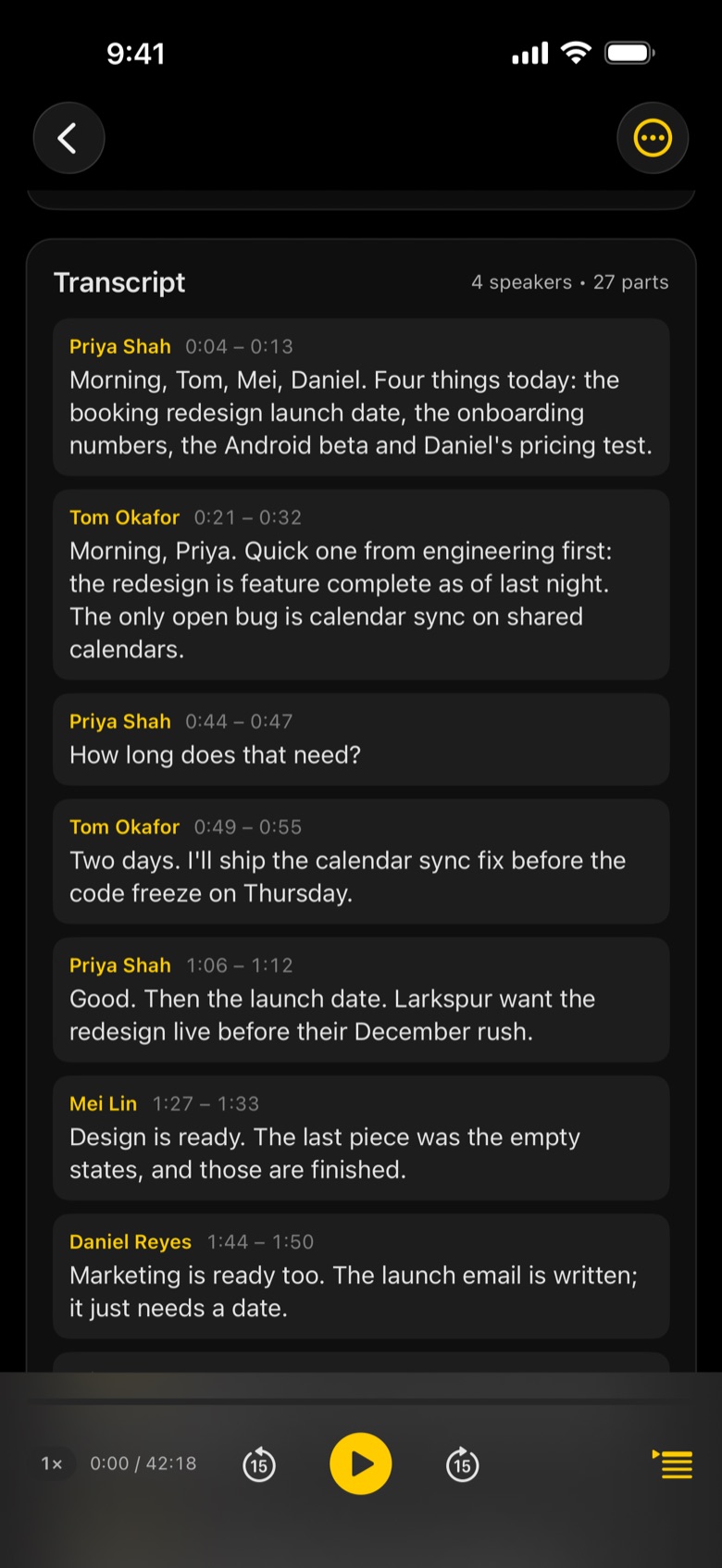
A full transcript, split by who was talking. Tap any line to hear that exact moment again.
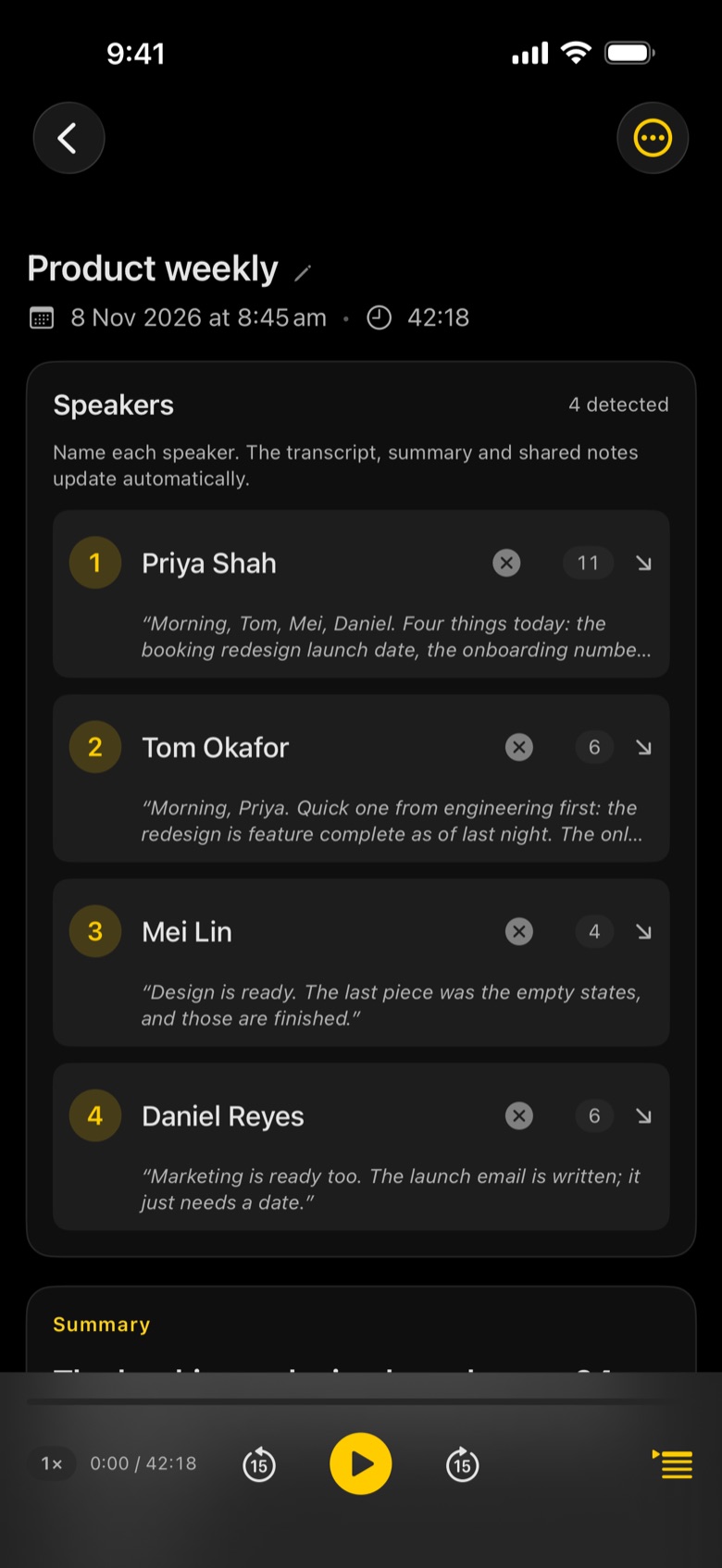
Voices are told apart automatically. Name someone once and Upshot remembers them, in this meeting and every one after.
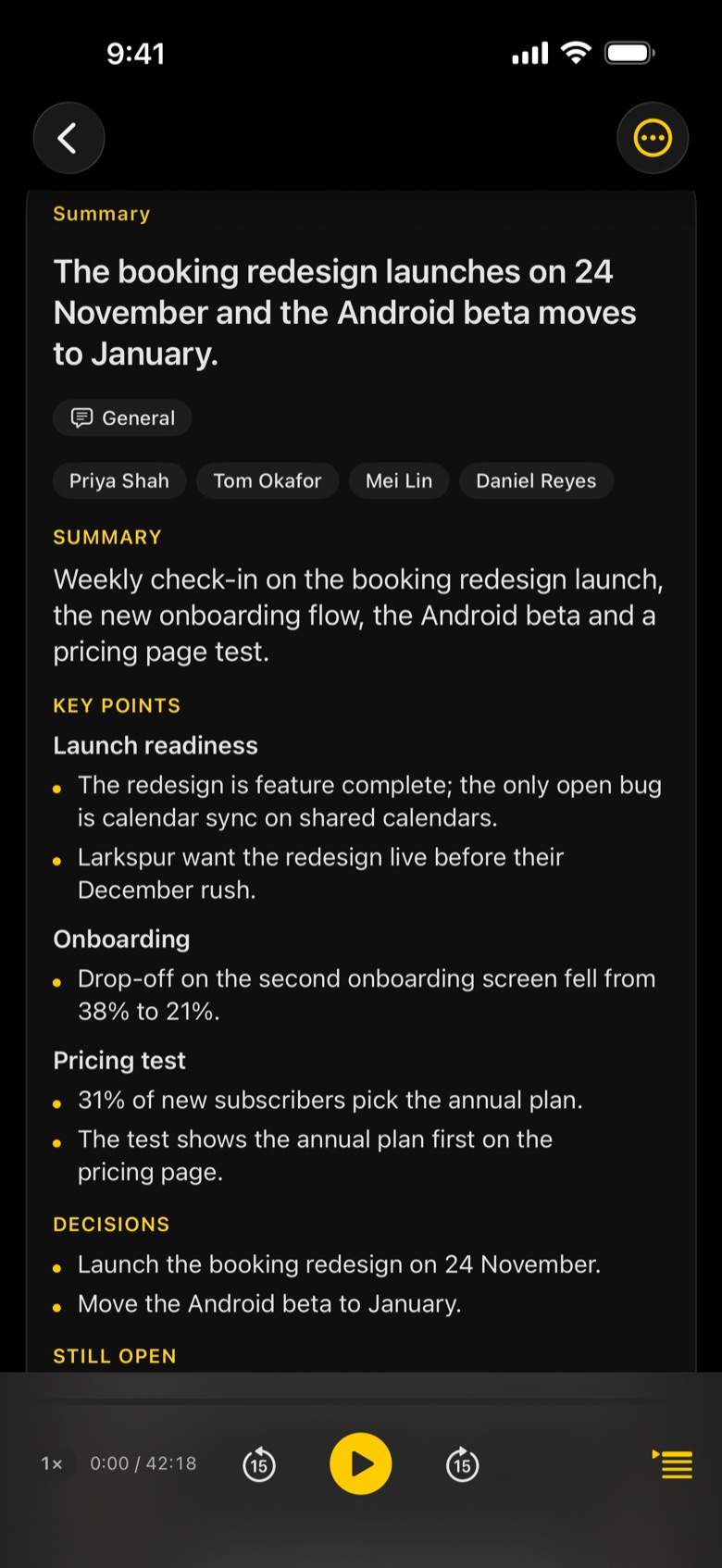
Summary, key points, decisions and actions with owners, minutes after the meeting ends. Laid out for the meeting: stand-up, one-to-one, interview, client call, leadership or general.
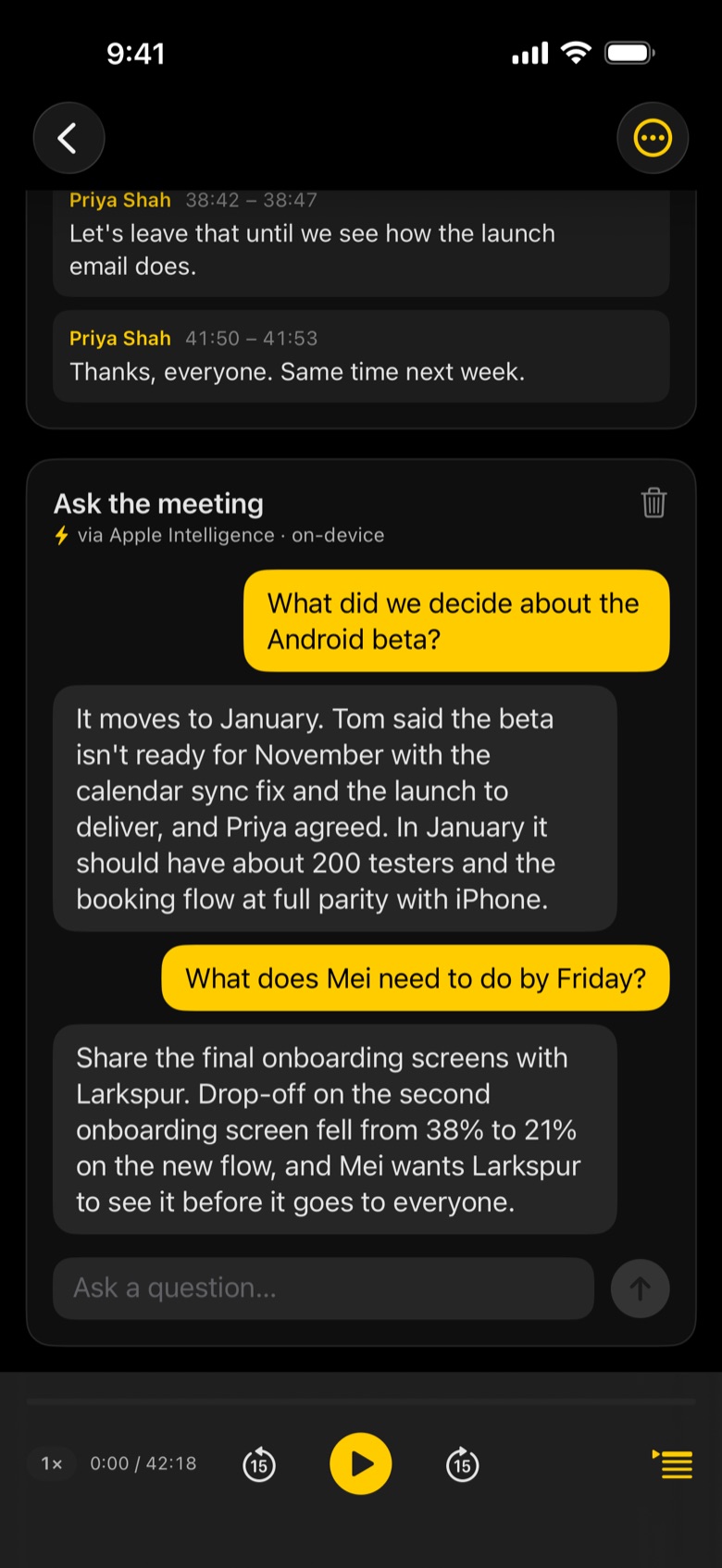
“What did we decide about the Android beta?” Answers come from what was actually said.
Every decision and action is checked against the transcript before it reaches your notes. No invented to-dos.
Two days. I'll ship the calendar sync fix before the code freeze on Thursday.
Design is ready. The last piece was the empty states, and those are finished.
Then let's lock it: the booking redesign goes live on the 24th of November.
Agreed, the Android beta moves to January.
Ask a question in plain words and get an answer from the meeting itself, with the people who said it. Runs with Apple Intelligence, on your device.
Apple Intelligence is free and always there. Subscribe to Upshot Basic and choose who writes your notes, from larger models for more detailed notes to your company's own server.
Add your own Anthropic key and let Claude write your notes and answer your questions.
Prefer OpenAI? Add your own key and pick the model you want.
Connect to your organisation's own AI server over HTTPS. Transcripts go only where you choose.
Download a model that writes notes entirely on your device, with new models as they arrive. On supported devices.
Board meetings, sprint reviews, site visits. Add the types you actually run and Upshot writes notes for each.
Tell the AI what matters: what to look for, what to leave out, how to lay out the notes. For any meeting type.
Pick a group of meetings and ask one question across all of them. Every answer links back to the meeting it came from.
Claude and ChatGPT usage is billed separately by Anthropic and OpenAI.
The essentials are free, for good. Upshot Basic is for people who want to shape their notes and choose their AI.
Record, transcribe, write up and ask, on your device.
And more: widgets and Siri, import, your own vocabulary, search, Recently Deleted.
Everything in Free, plus:
Subscribe inside the app. Claude and ChatGPT usage is billed separately by Anthropic and OpenAI.
Recording, transcription and notes happen on your device. Nothing leaves it unless you share it, turn on iCloud Sync to your own private iCloud, or choose to connect your own AI.
Your audio is turned into text on your iPhone, iPad or Mac.
Summaries, decisions and actions are written by the model on your device.
Sync goes to your own private iCloud. Connect Claude, ChatGPT or your company server and transcripts go only to the one you pick.
One library on every device, kept in step by your private iCloud.

Less admin. More momentum.
Free on iPhone, iPad and Mac.


